Unlock Your Skillset with

Visual Paradigm

Explore practical guides and tutorials to Master Web PPT Presentations & AI Software Development.

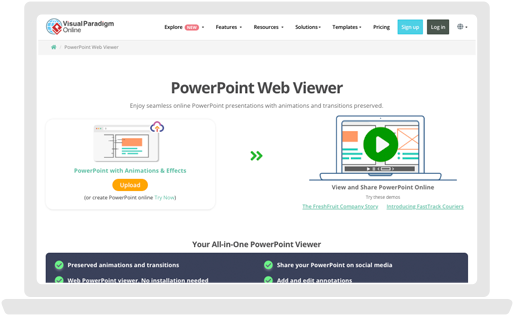
Try this live demo below

Master Web Presentations and AI-Powered Workflows in Action
PRACTICAL SKILLS & WORKFLOWS

Master Online Presentations and AI Systems Modeling

Explore essential techniques for sharing interactive PowerPoint slideshows on the web while leveraging AI tools in Visual Paradigm to accelerate software design.

Preserve Presentation Dynamics

Learn how web-based viewers render PowerPoint animation sequences and custom motion paths accurately without software plugins.

Seamless Transition Effects

Discover best practices for maintaining professional slide transitions and pacing when publishing presentations online.

AI SOFTWARE DEVELOPMENT

Accelerate System Design with AI Workflows

Explore how to leverage AI tools in Visual Paradigm to generate UML diagrams, draft technical specifications, and transform software requirements into visual architecture.
CROSS-DEVICE ACCESSIBILITY

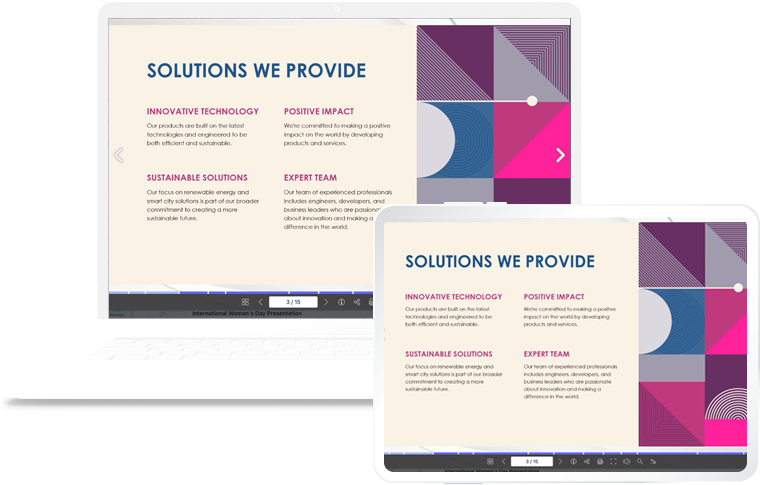
Deliver Seamless Presentations on Any Device

Discover how to optimize slide decks for mobile, tablet, and desktop viewports. Learn techniques for responsive presentation layouts and browser-based delivery so technical diagrams and slide content stay clear without requiring local software downloads.

Web Presentation& Technical Slide Workflows

Explore essential techniques for preserving complex formatting, custom graphics, and interactive elements when converting PowerPoint slide decks into web presentations using Visual Paradigm.

Animations

Learn how web-based slideshow viewers render dynamic entrance, emphasis, and motion path animations seamlessly without requiring software plugins.

Transition Effects

Best practices for selecting and maintaining smooth slide transitions that improve audience engagement during online presentations.

Data Tables

Master layout techniques for displaying well-structured financial, analytical, and technical data tables across desktop and mobile screens.

SmartArt & Diagrams

Discover how to translate SmartArt concepts into scalable, web-friendly visual diagrams that retain their hierarchy and formatting.

Custom Shapes

Guidelines for utilizing vector shapes, flowcharts, and callouts to highlight key technical architecture ideas effectively.

Text Formatting

Ensure clear readability across web viewports by maintaining precise font weights, hierarchy, and color coding across all slides.

Streamline Presentation Delivery and System Architecture

Clear communication is essential whether pitching project proposals, delivering webinars, or architectural workflows. Learn how to convert slide decks into interactive web viewports and leverage Visual Paradigm’s AI capabilities to transform software designs into clear visual models.

The Process

How It Works

Step 1

Import Slide Decks

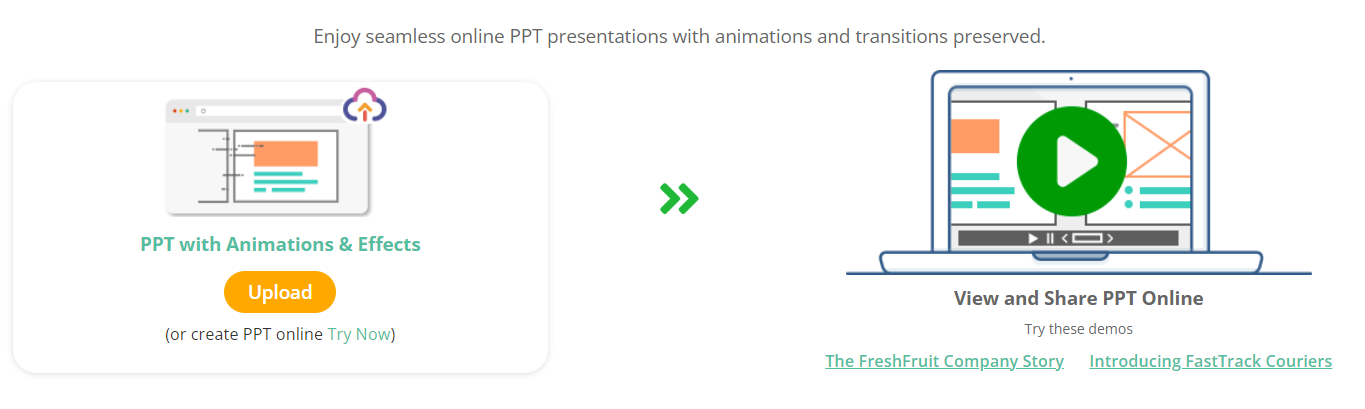
Select or upload a PowerPoint presentation (.ppt or .pptx) directly into the web viewer environment using Visual Paradigm Online.

Step 2

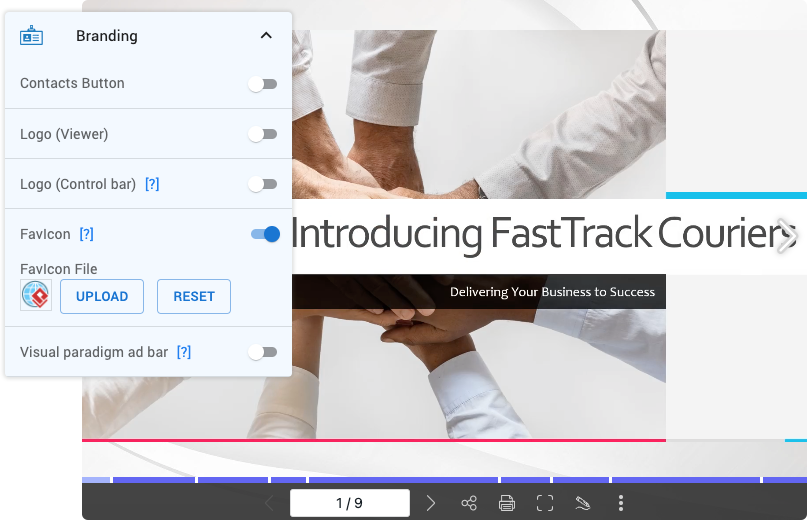
Publish & Share Links

Create responsive presentation URLs or embed codes to share slideshows seamlessly across web pages, emails, or team channels.

Step 3

Present & Engage

Utilize built-in navigation controls, slide zoom, and pointer tools to deliver clean, interactive presentations in any browser.

FAQ

What topics are covered in these learning guides?
Guides focus on two core competencies: mastering web-based PowerPoint presentations (preserving animations, transitions, and responsive formatting) and using Visual Paradigm’s AI capabilities to accelerate software architecture and modeling workflows.
How are PowerPoint animations and transitions preserved on the web?
Web-based slideshow viewers render standard PowerPoint elements into HTML5/vector formats, allowing slide transitions, entrance effects, and embedded motion paths to display accurately across desktop and mobile browsers without plugins.
How does AI assist with software development in Visual Paradigm?
AI integration helps developers and project managers automate complex modeling tasks—such as converting plain-text user stories into UML diagrams, drafting system architecture documentation, and generating flowcharts from technical specifications.
Can web presentations be embedded directly into websites or team portals?
Yes. After uploading a slide deck to Visual Paradigm Online, users can generate embed codes or shareable links to display interactive slideshows on blogs, internal wikis, or client portals.
Do slide decks require local software installation to view online?
No. Web presentation tools run entirely inside modern web browsers, allowing audiences to view, navigate, and zoom into slides on any device without downloading additional software.
What file formats are supported for online presentation conversions?
Standard presentation formats such as .ppt and .pptx are fully supported, alongside export options to interactive digital flipbooks, high-resolution PDFs, or video formats.

Blogs

Read Our Latest Stories & Tips Here

Stay updated with our latest insights, news, and expert tips to make the most of your presentations.